
Phoenix Labs

Video, brought back to life.

Restore footage the years have been hard on. Turn a still into a moving clip with sound. Cut a four-hour stream down to the moments worth watching. On your own PC, or in our cloud where you pay only for what you make.

The tools

Four tools. The tedious parts of video, done for you.

Each one does a job people used to lose whole evenings to. Two run on your own machine and are yours to keep. Two run in our cloud, and you see the price in dollars before anything starts.

BeforeAfter

Phoenix Upscaler

Windows & Linux

Tapes, DVDs, film scans, and phone clips from 2012 that look like a postage stamp now. Strips the noise, fixes combed motion, and rebuilds the detail compression threw away. On your own graphics card; nothing uploads.

$129 once, every update includedExplore
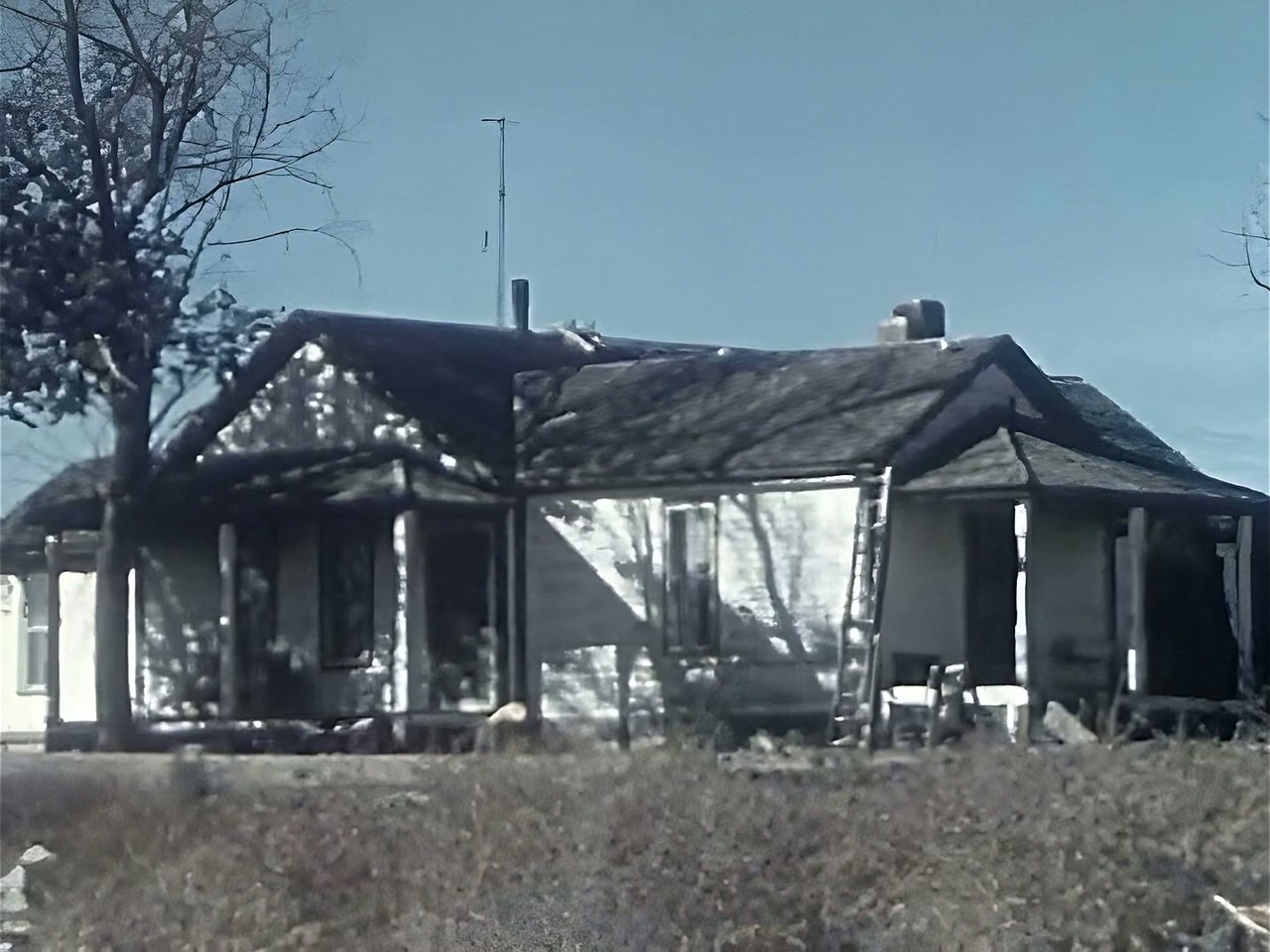
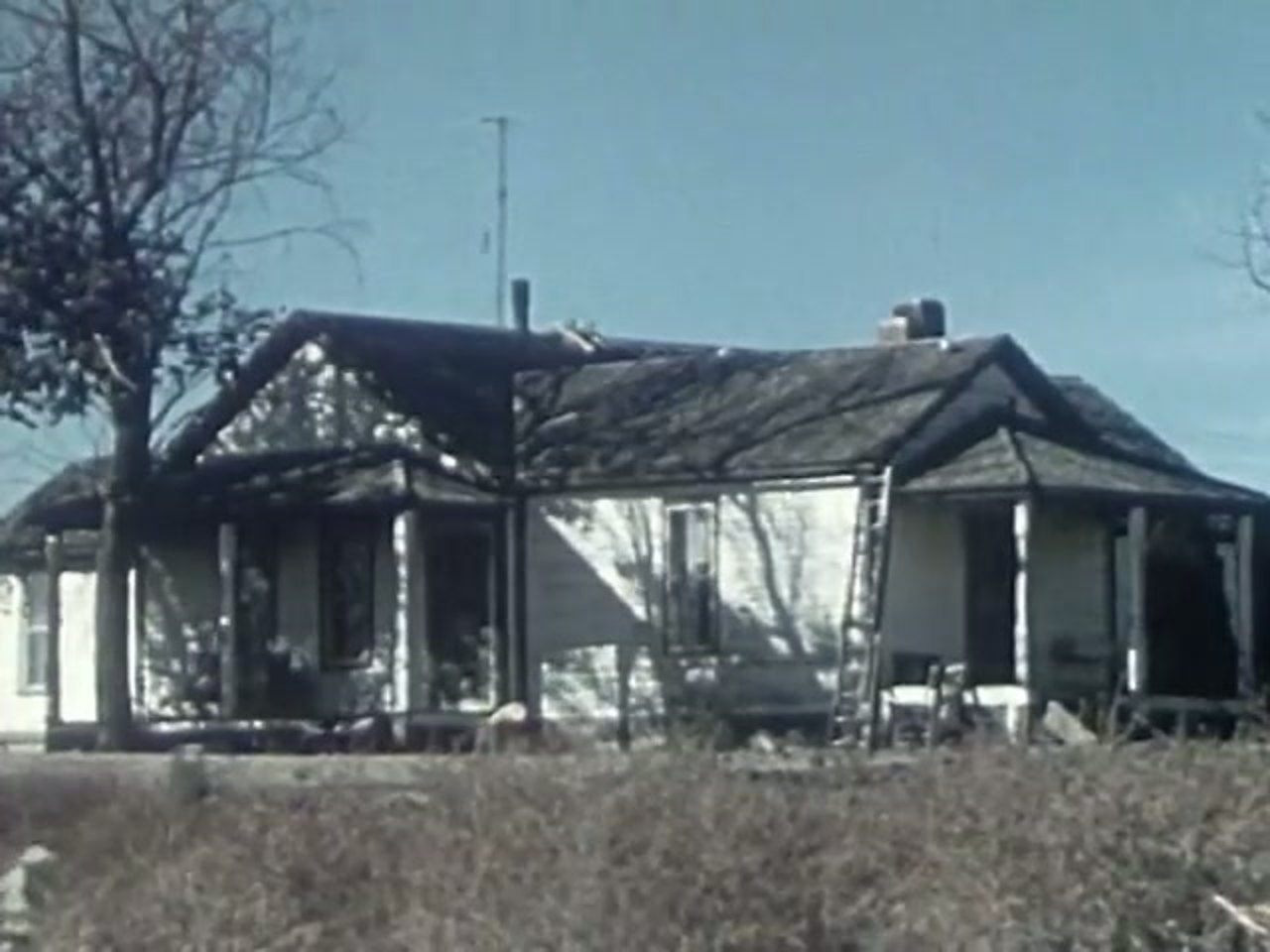
A farmhouse from a 1950s colour film, restored: crisp boards, clean sky
The same frame as it was: soft, noisy and small
BeforeAfter

Cloud Restore

In your browser

The same restoration, run on our datacenter GPUs. Works from a Mac, a laptop or a phone. Upload a clip, see the exact price, pay for that one job, download the result. A job that fails is refunded.

From $2.99 a clipExplore
With sound

Phoenix Motion

In your browser

Drop in an image, say what should happen, and get five seconds of video back with sound made in the same pass. Logos, concept art, product shots, portraits. Or make a seamless loop where only the part you name moves.

From $0.59 a clipExplore
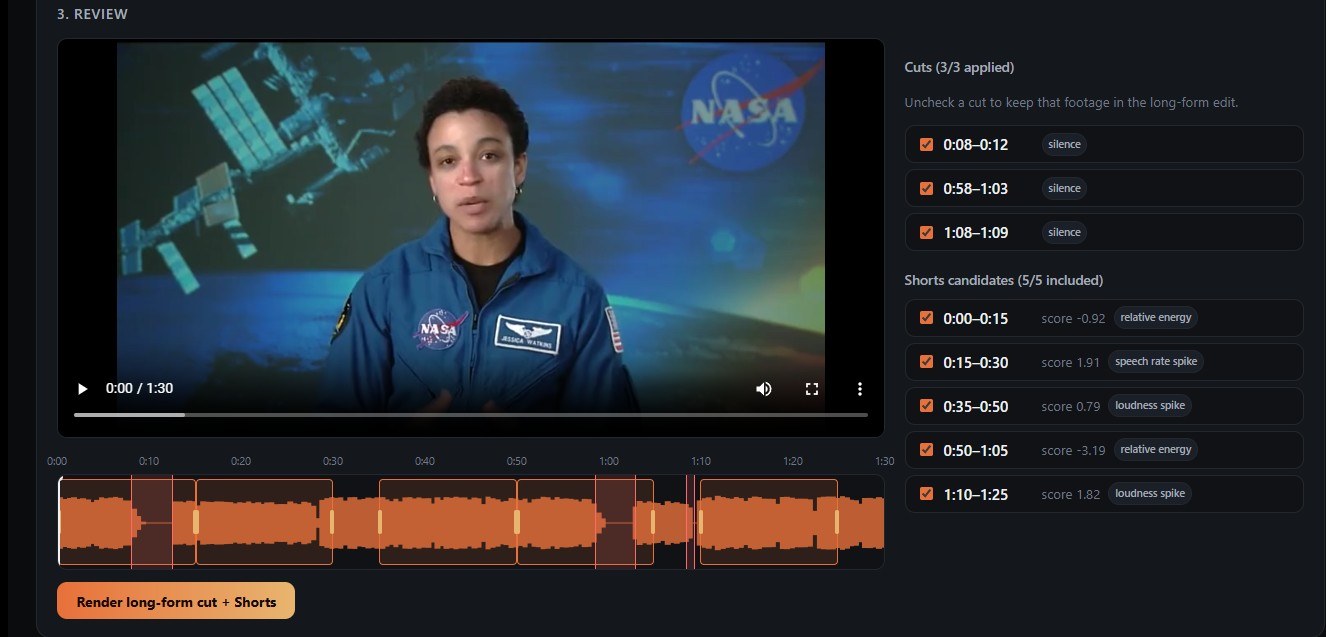
Phoenix Editor's review screen: the detected cuts and Shorts candidates beside the video

Phoenix Editor

Windows & Linux

Give it a VOD or a Let's Play. It cuts the dead air and filler words, finds the moments worth clipping, and turns them into captioned vertical Shorts. You check every cut before anything renders.

$99 with a year of updatesExplore

Upscaler & Cloud Restore

The detail was in there. It just needed finding.

A frame from a 1952 home movie, restored with Phoenix Enhanced. Drag across it. Skin, hair and the painted boards behind her come back from under the noise, without the waxy look of a filter that just smooths everything.

Phoenix rebuilds what compression and tape destroyed. It won't invent what was never recorded.

OriginalRestored

Footage: Texas Farm Family (1952), public domain, via the Prelinger Archives.

Phoenix Motion

A still, a sentence, five seconds of motion.

Every clip below started as one image and the prompt under it, and every one is the first take. Unmute them: the wind and the birdsong came out of the same pass as the picture.

“Slow cinematic push-in toward the house. Wind through dry grass.”
“She turns toward the camera and smiles. Soft wind and distant birdsong.”
Loop: “The logo stays still. Only embers drift upward.” It ends where it starts.

Phoenix Editor

Cut the dead air. Keep the moments.

Phoenix Editor listens to your recording, marks every silence and filler word, and scores the stretches worth clipping. Then it reframes them for vertical and burns in captions.

  • Every cut and every Short shown on the timeline before rendering.
  • Reactor template for reaction and commentary videos.
  • Runs on your own AMD or NVIDIA card. Nothing uploads.
  • Seven-day free trial, every feature unlocked.
See Phoenix Editor
Phoenix Editor's review step: the video with its detected cuts and Shorts candidates listed beside it

How we work

Straight prices. Your footage stays yours.

Own it

Desktop apps you keep

The Upscaler is $129 once, with every update. Editor is $99 with a year of updates, and keeps working if you never renew. No monthly rent.

Pay per use

Cloud jobs in dollars

Cloud Restore and Motion show the price in dollars before anything runs. No credits to decode, and a job that fails costs nothing.

Private

Your files, not our dataset

The desktop apps never upload anything. Cloud files are used for your job only and deleted within days. None of it trains a model.

Questions

The things people ask first

What does Phoenix Labs make?

Four video tools. Phoenix Upscaler restores and upscales old video on your own PC, for $129 once. Cloud Restore does the same restoration on our GPUs, paid per clip from $2.99. Phoenix Motion turns a still image into a five-second clip with sound, from $0.59 a clip. Phoenix Editor cuts long streams and recordings down and makes captioned Shorts, $99 with a year of updates.

Is anything a subscription?

No. The Upscaler is $129 once, with every update included. Editor is $99 with a year of updates and keeps working after that year; renewing at $49 a year only brings new features. Cloud Restore and Motion are paid per clip in dollars, with no credits and no monthly plan.

Upscaler or Cloud Restore: which one do I need?

If you have a Windows or Linux PC with a decent graphics card and more than a few clips, the $129 desktop app pays for itself quickly and nothing leaves your computer. On a Mac, a laptop or a phone, or for one or two clips, upload them to Cloud Restore and pay per clip.

What kind of old video can Phoenix fix?

Anything that looked fine on the screen it was made for and doesn't now: VHS, Hi8 and MiniDV tapes, DVDs, 8mm film scans, phone clips from the 2010s, old uploads, gameplay and webcam recordings. It removes noise, untangles interlaced motion and rebuilds detail lost to compression. It can't recover detail the camera never recorded.

Does my footage get uploaded?

Not with the desktop apps: the Upscaler and Editor do all their work on your own computer. Cloud Restore and Motion upload your file to process it and delete it automatically afterwards. Nothing you upload is used to train a model.

Can an AI assistant use Phoenix for me?

Yes. Cloud Restore and Phoenix Motion work with AI assistants such as Claude, ChatGPT and Cursor, through our MCP server and API. Add Phoenix to the assistant, approve it once with a spending limit, and it pays from your balance, never past that limit. How to set it up.

Start with the one you need.

The Upscaler and Editor both have free trials, and a Motion clip costs less than a coffee.